Design Example - Canvas LMS
Project Description
This project highlights my contribution to the design and development of a professional educator course created and facilitated in Canvas LMS. Working as part of a three-person instructional design team, I led the design and development of Modules 2 and 3, collaborating with an SME to transform content into an engaging and accessible learning experience.
The goal of this learning experience was to prepare School Resource Officers (SROs) to serve as effective mentors and positive role models for students. Learners explored strategies for building trust with diverse student populations, supporting students' social and emotional development, maintaining professional and ethical boundaries, and collaborating with school staff to promote student success, engagement, and safety.
The sections below outline my design process from initial planning through course delivery, highlighting how instructional strategies, multimedia, and interactive activities were used to support these learning outcomes.
Before
After
Project Overview
Role: Instructional Designer
Team: 3 Instructional Designers
Course Type: Professional Educator Course
Tools: Canvas LMS, HTML, Google Docs, ChatGPT
Responsibilities: SME collaboration, storyboarding, course development, quality assurance
Focus Areas: Engagement, accessibility, and learner-centered design
Working with the Subject Matter Experts (SME)
Every project began with a kickoff meeting involving key stakeholders and subject matter experts (SMEs). During this meeting, we established project goals, defined roles and responsibilities, and developed a timeline to guide the course development process.
Once the project plan was established, our team scheduled weekly meetings with the SME to gather content and review progress. To streamline content collection and ensure consistency, we provided a content template that outlined the information needed for course development. The template included the course description, learning objectives, module descriptions, module-level objectives, key vocabulary, content outlines, assessments, discussion prompts, resources, and multimedia recommendations.
Throughout the development process, I collaborated closely with the SME to review submitted content, identify gaps, and ask clarifying questions. At the end of each week, our instructional design team met to evaluate the content and provide recommendations to strengthen alignment between learning objectives, instructional materials, and assessments. These discussions helped ensure that course content remained learner-centered, measurable, and aligned with the desired learning outcomes.
Storyboard and peer review
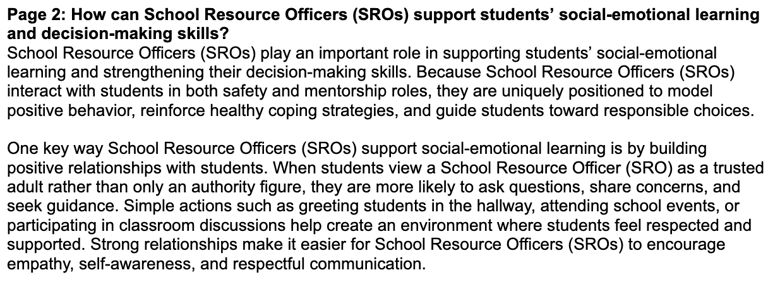
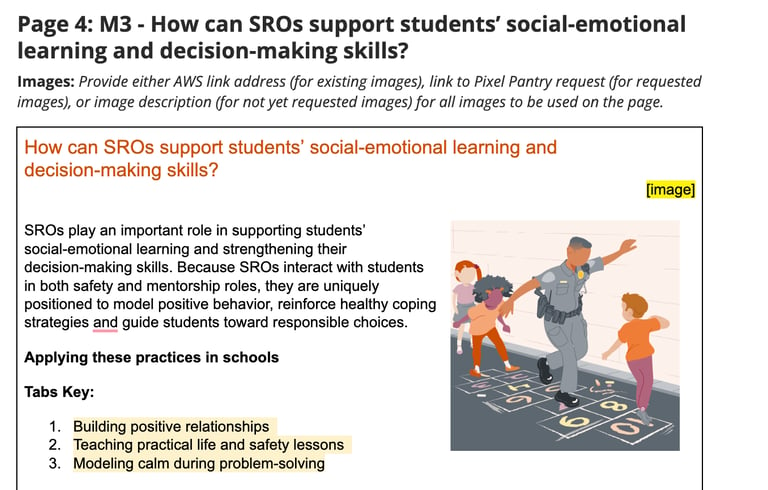
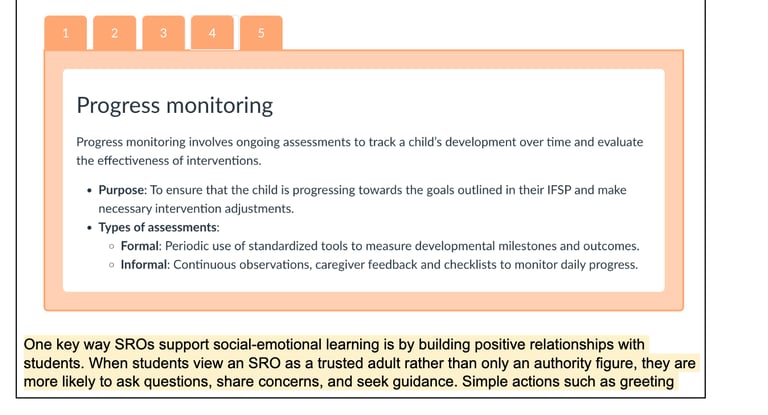
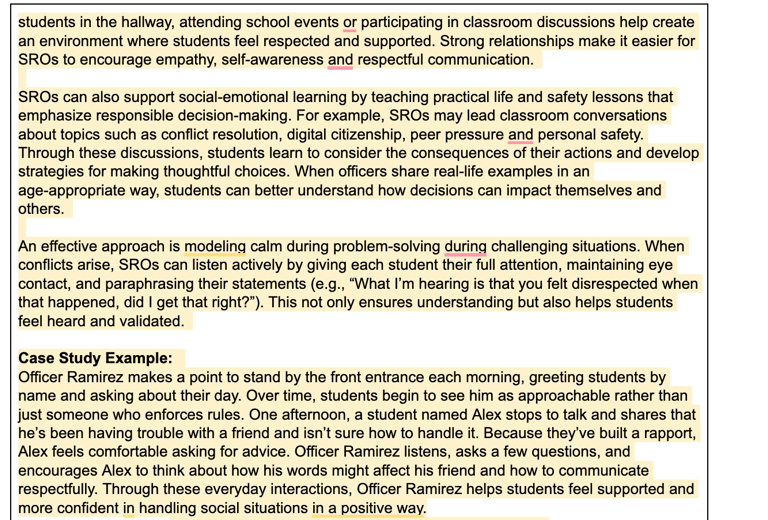
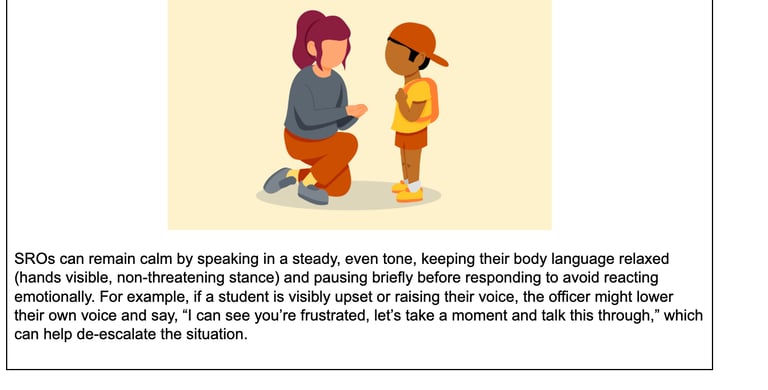
The example below is a screenshot of the storyboard I created in Google Docs during the course design process.
Once the SME content was finalized, I created a storyboard to map out the structure, content, and visual design of each module in Canvas. The storyboard served as a blueprint for course development, allowing me to determine where images, multimedia elements, and interactive activities would be incorporated. When existing visual assets aligned with the content, I included and linked them within the storyboard. If new visuals were needed, I collaborated with our visual design team by submitting detailed image requests.
When developing a storyboard, I include as much detail as possible to clearly envision the learner experience before the build phase begins. The storyboard also provides SMEs with an opportunity to review the proposed design, understand how the content will be presented, and provide feedback before development moves forward. In addition to serving as a blueprint for development, the storyboard facilitates collaboration among the instructional design team, creating a space for feedback and recommendations that help strengthen the final course design.
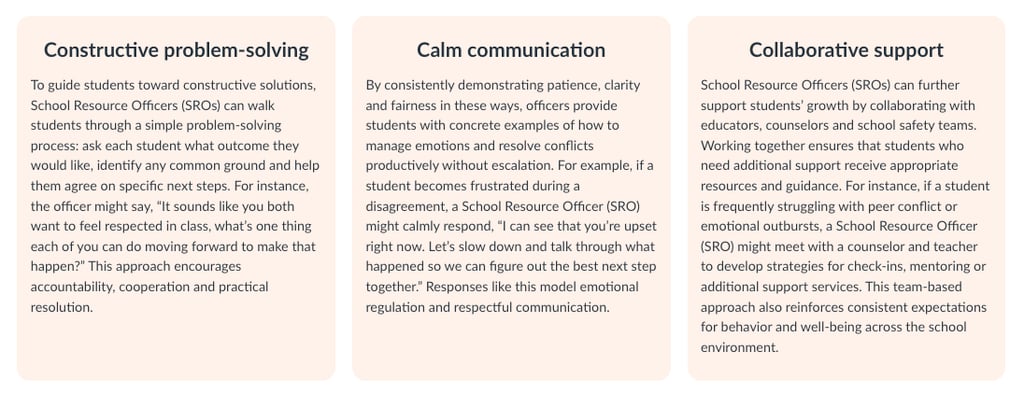
As part of a collaborative instructional design team, I benefited from peer feedback throughout the design process. Once the storyboard was complete, I shared it with colleagues for review and recommendations. Their feedback often focused on improving learner engagement, accessibility, and usability. For this project, the course contained a significant amount of reading-heavy content, so my colleagues suggested design strategies such as visual chunking, callout boxes, and interactive elements to reduce cognitive load and create a more engaging learning experience.
Build and Development
Once the storyboard was approved, I transitioned into the course build phase within Canvas. To streamline development and maintain consistency across modules, I leveraged pre-built templates and custom HTML components. Using these resources allowed me to efficiently create engaging course pages while ensuring a cohesive learner experience throughout the course.
During development, I carefully followed university branding guidelines, incorporating approved colors, typography, and visual elements to create a professional and consistent design. I also prioritized accessibility by ensuring content aligned with WCAG standards. This included using proper heading structures, providing meaningful alt text for images, maintaining sufficient color contrast, creating accessible tables and multimedia content, and verifying that course materials could be effectively navigated using assistive technologies. By combining standardized templates, custom HTML, brand compliance, and accessibility best practices, I was able to build a course that was both visually engaging and inclusive for all learners.
Quality Assurance and Final Review
Once the course build was complete, I conducted a final quality assurance review to verify that all content, links, multimedia, and interactive elements functioned as intended. The course then underwent an additional peer review, where colleagues evaluated the learner experience and provided feedback on design, accessibility, and overall course quality. After incorporating any final revisions, the course was submitted to our Lead Instructional Designers for a comprehensive review to ensure it met organizational standards, learning objectives, branding requirements, and accessibility guidelines.
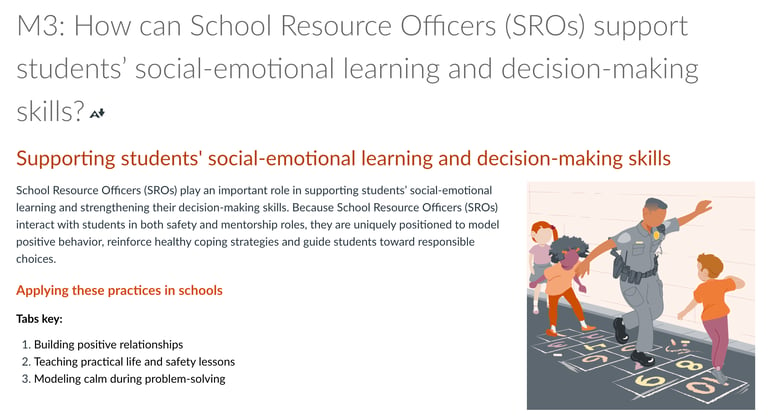
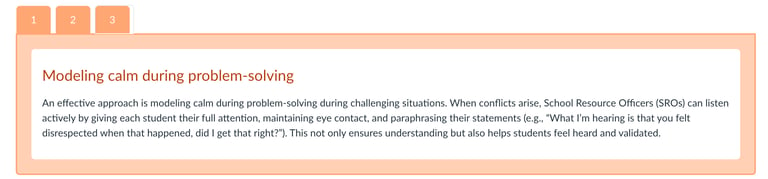
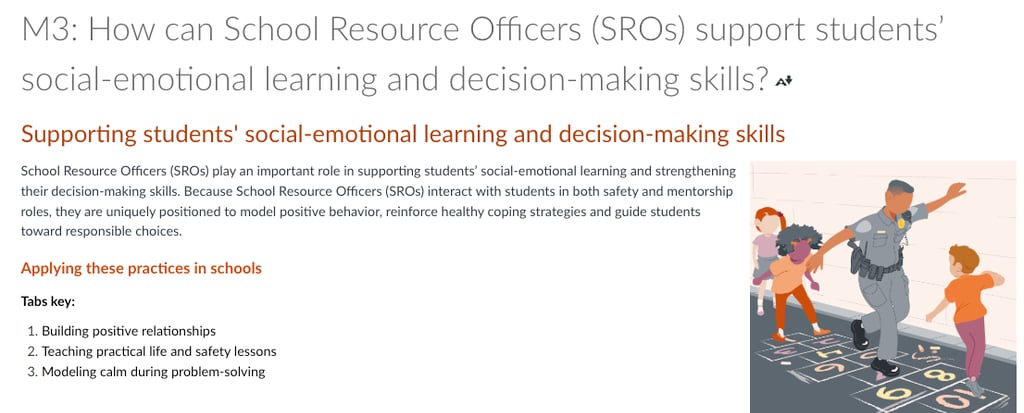
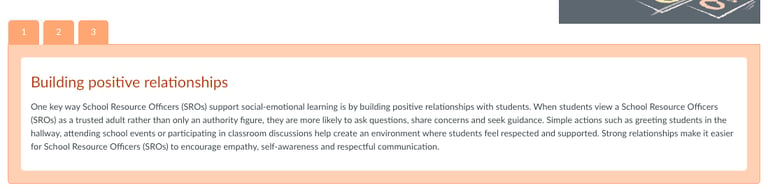
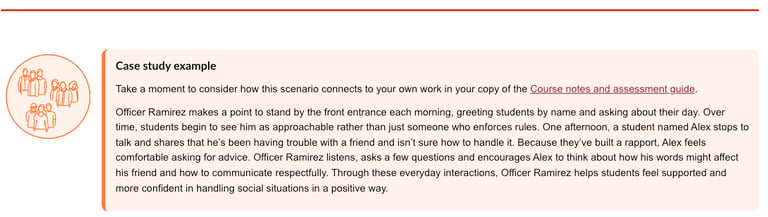
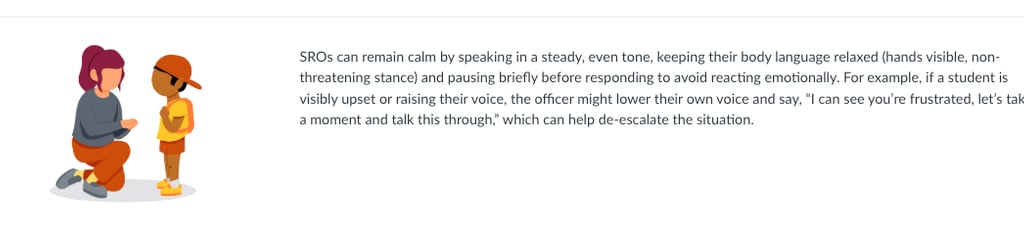
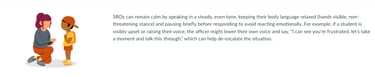
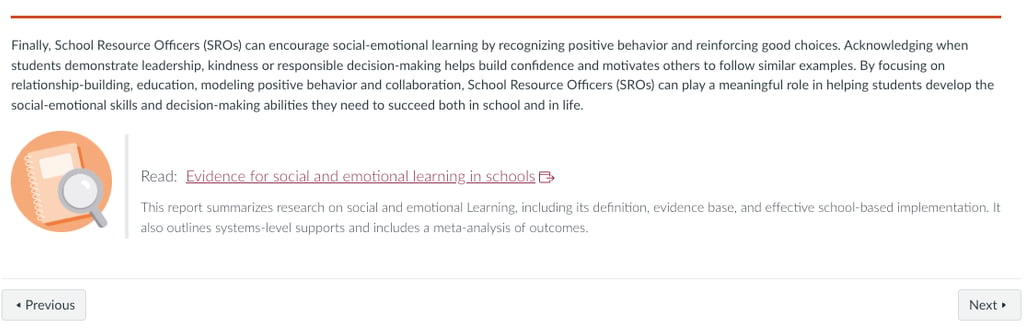
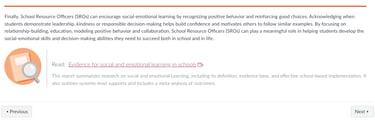
This multi-stage review process helped ensure that the final product was polished, accurate, and ready for delivery. The example below shows the final version of this page after all reviews and revisions had been completed.
Final Takeaways
This project reinforced the importance of strong time management and proactive planning throughout the instructional design process. By intentionally planning to complete each phase ahead of deadlines, I was able to build in adequate time for multiple rounds of feedback, revisions, and quality assurance. This buffer proved essential in refining the course design and ensuring that all stakeholder and peer feedback was thoughtfully incorporated without compromising project timelines.
Another key takeaway was the importance of accessibility and intentional design choices when selecting course tools and features. In future projects, I would avoid using content tabs due to accessibility limitations, including challenges with keyboard navigation and poor print compatibility. This experience strengthened my understanding of WCAG principles and reinforced the need to evaluate not just how content looks, but how it functions for all learners across different devices and assistive technologies.
Overall, this project highlighted the value of iterative design, collaboration, and accessibility-first thinking. It also reinforced the importance of documenting decisions throughout the process to support transparency, efficiency, and continuous improvement in course development.
Dalilah Del Valle | Portfolio | Instructional Design
Email | dalilahdv@gmail.com